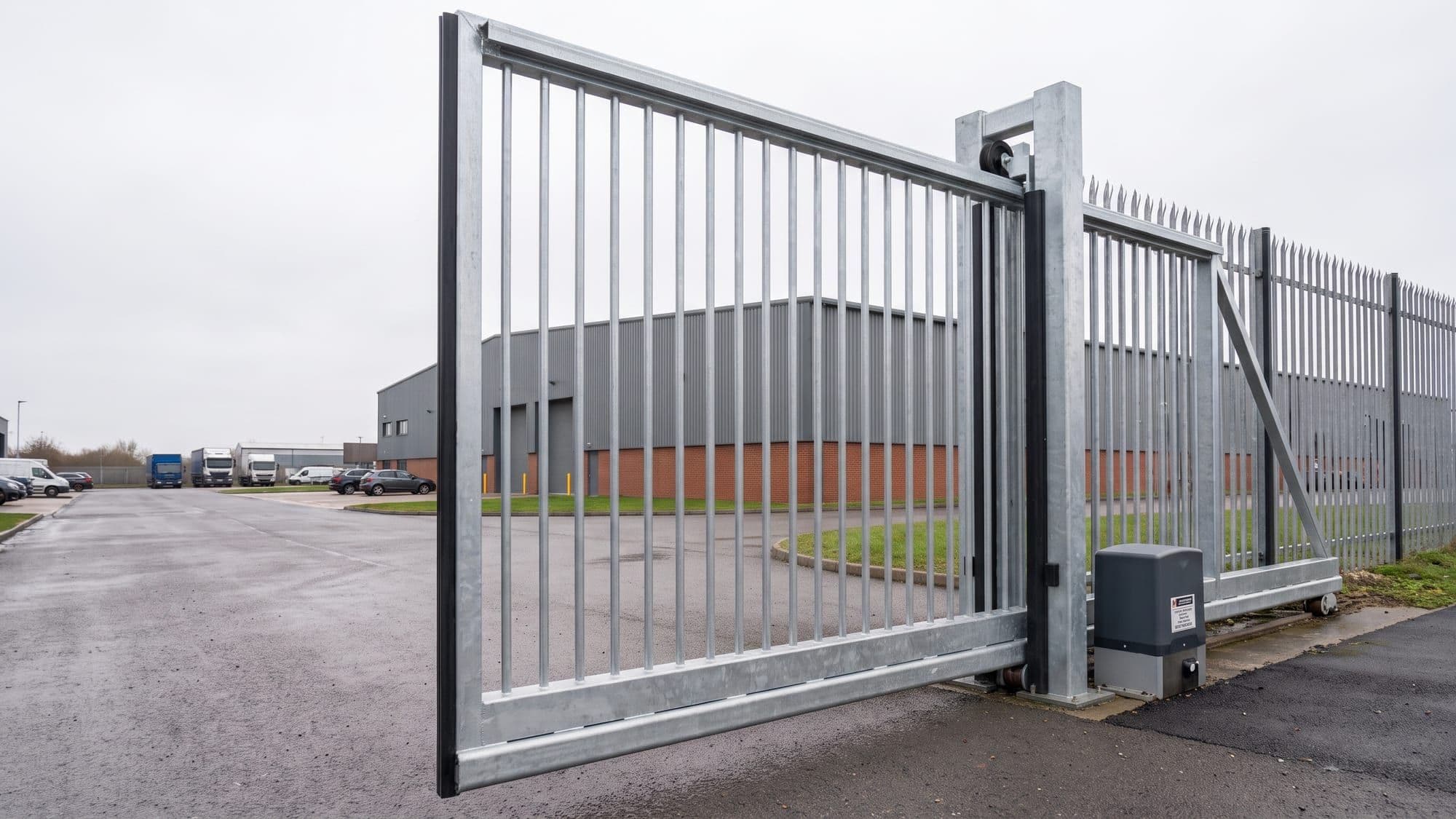

Sliding gates
The operating system for gate, barrier & door maintenance
Never miss a service. Never lose a gate’s history.
Entryflo gives gate and barrier maintenance teams one reliable record for every installation, every visit and every opportunity for repair work. Your engineers run jobs from their phone; the proof is filed before anyone asks for it.
No card required. Built around BS EN 12453 and DHF TS 013.
Every asset on site has a history worth keeping
You are rarely called out for one gate. Entryflo is being built around a proper technical file for each installation — service history, safety devices, reports and photos stay with the equipment, so a cancelled agreement never erases what your team knows about the site.

Swing gates
Underground and articulated arm operators.
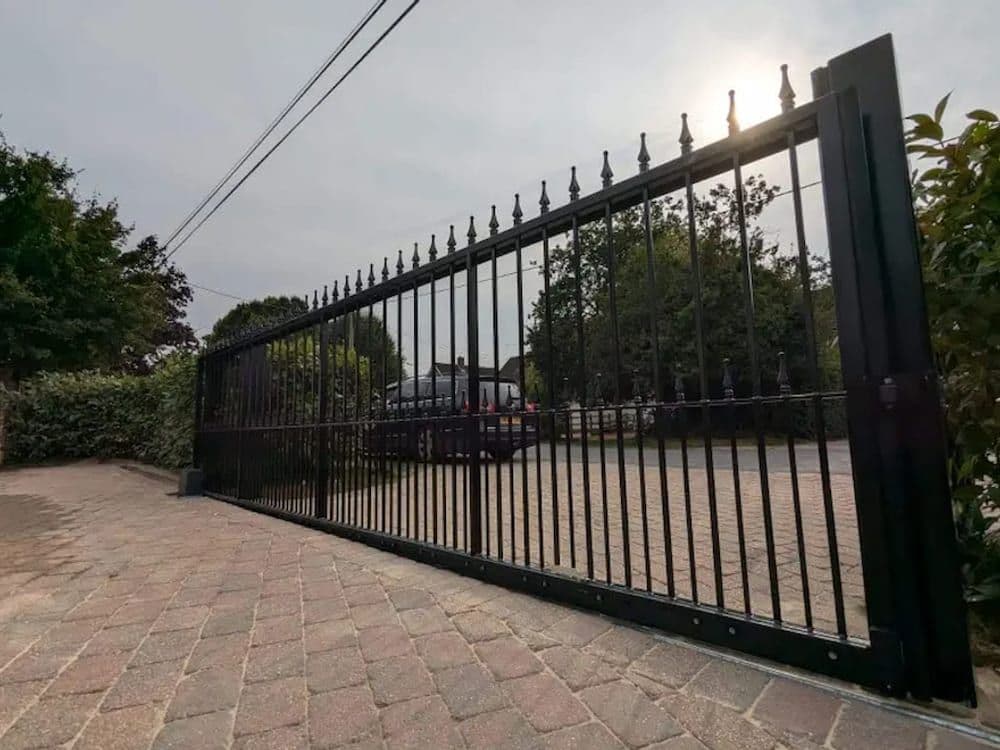
Sliding gates
Cantilever and tracked, force tested to BS EN 12445.
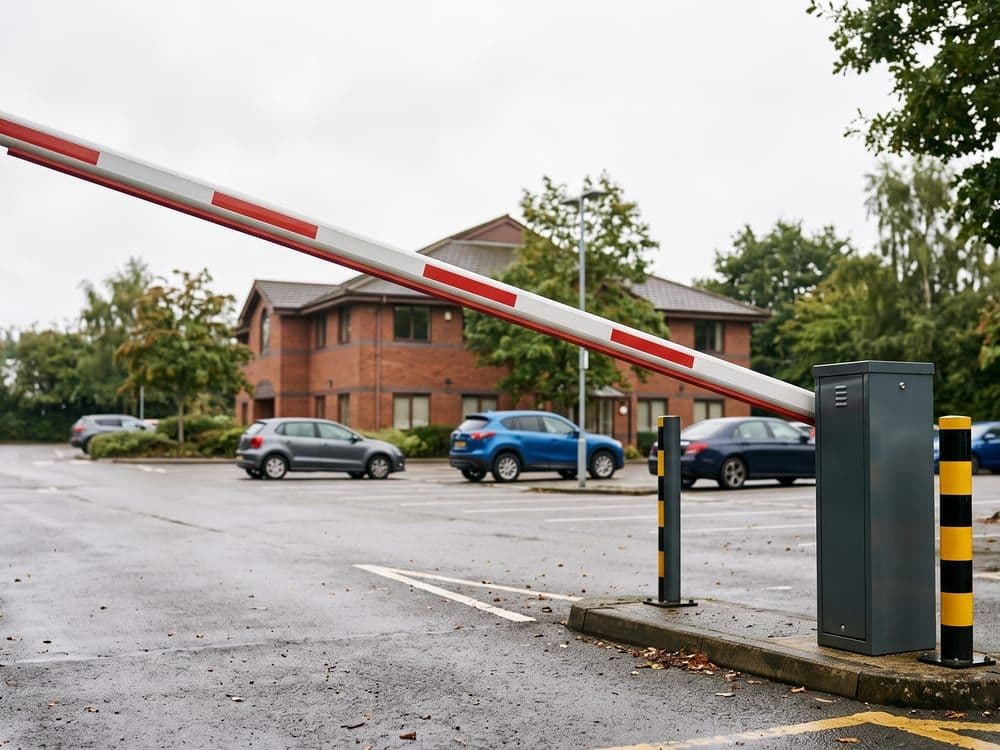
Rising barriers
Car parks, yards and service entrances.

Doors & shutters
Roller, sectional and high-speed doors.
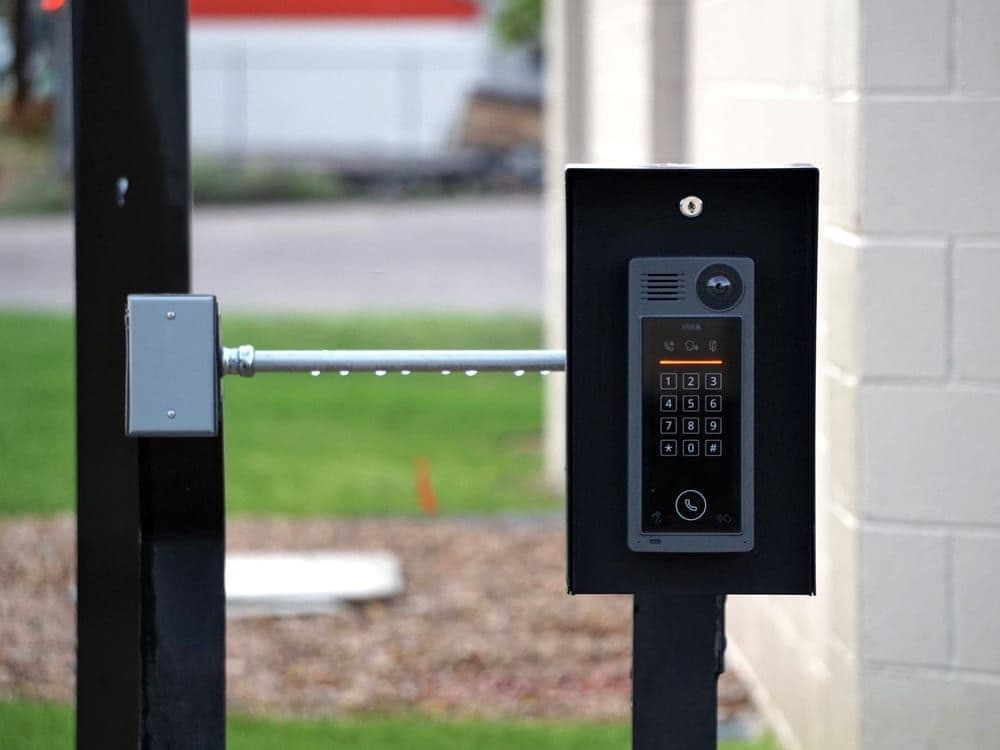
Access control
Intercoms, keypads, loops and readers.
Your engineers finish the paperwork on site, not in the van at seven
Assign the job, and it is on their phone. They work through the form, add photos of what they found and what they fixed, and sign it off before they leave. It keeps working with no signal, and syncs when they get it back.
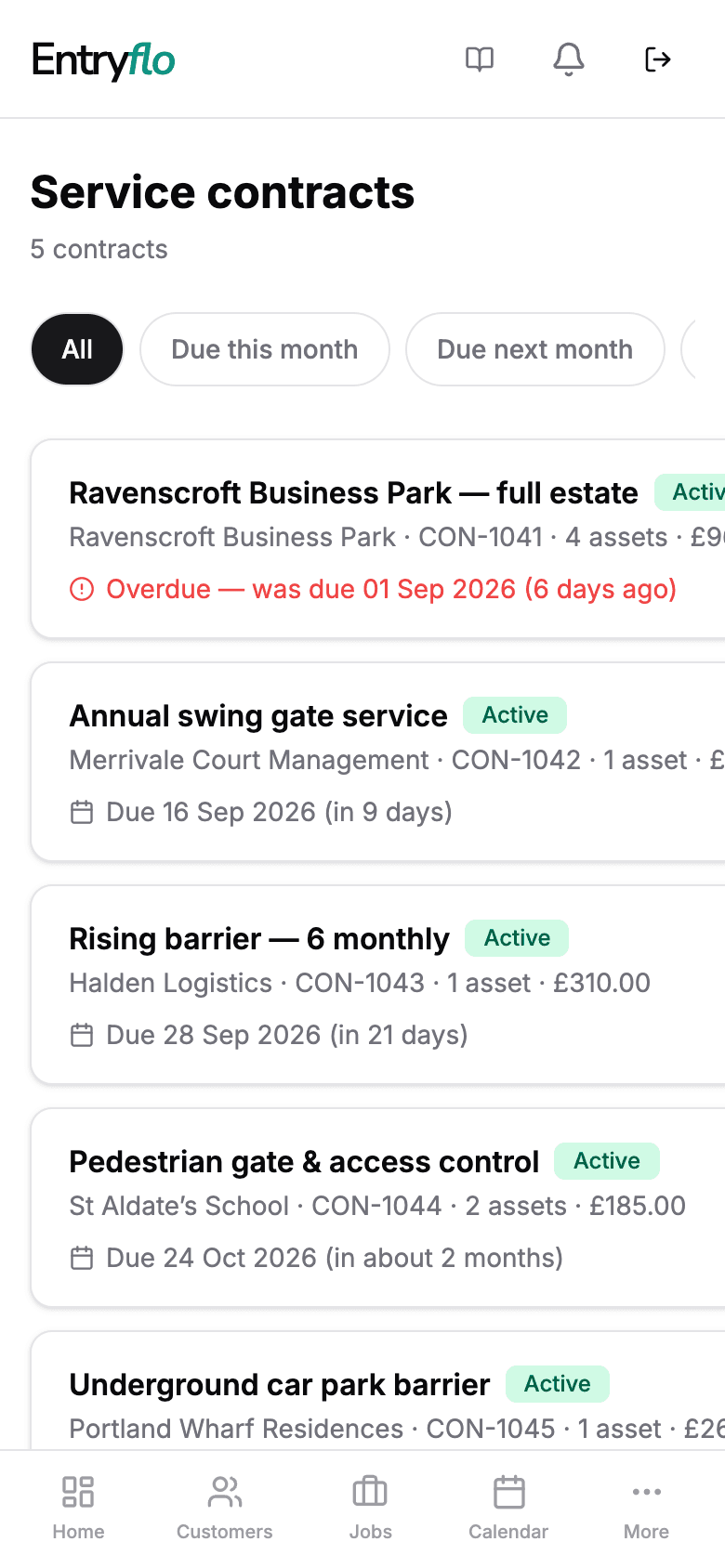
Every contract, and what’s due next
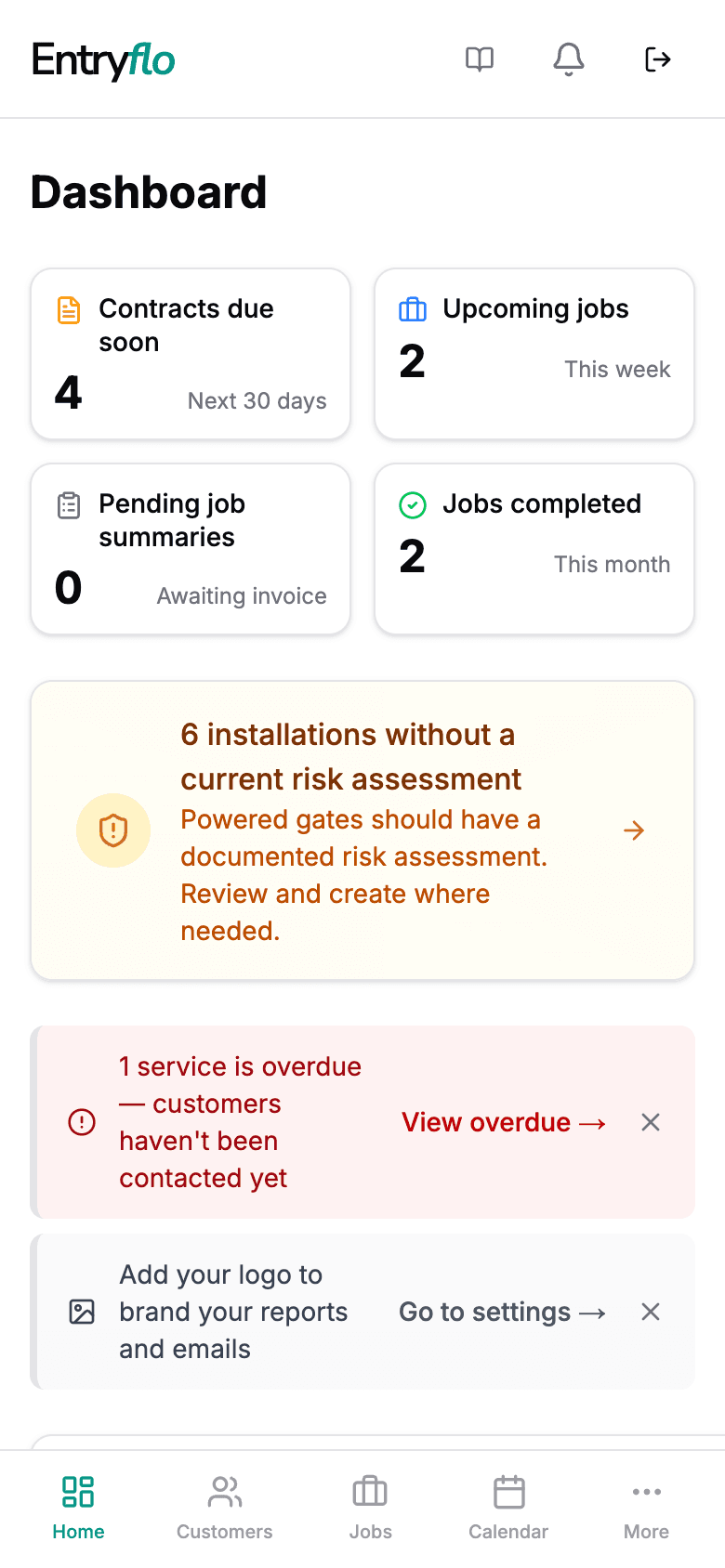
The week at a glance
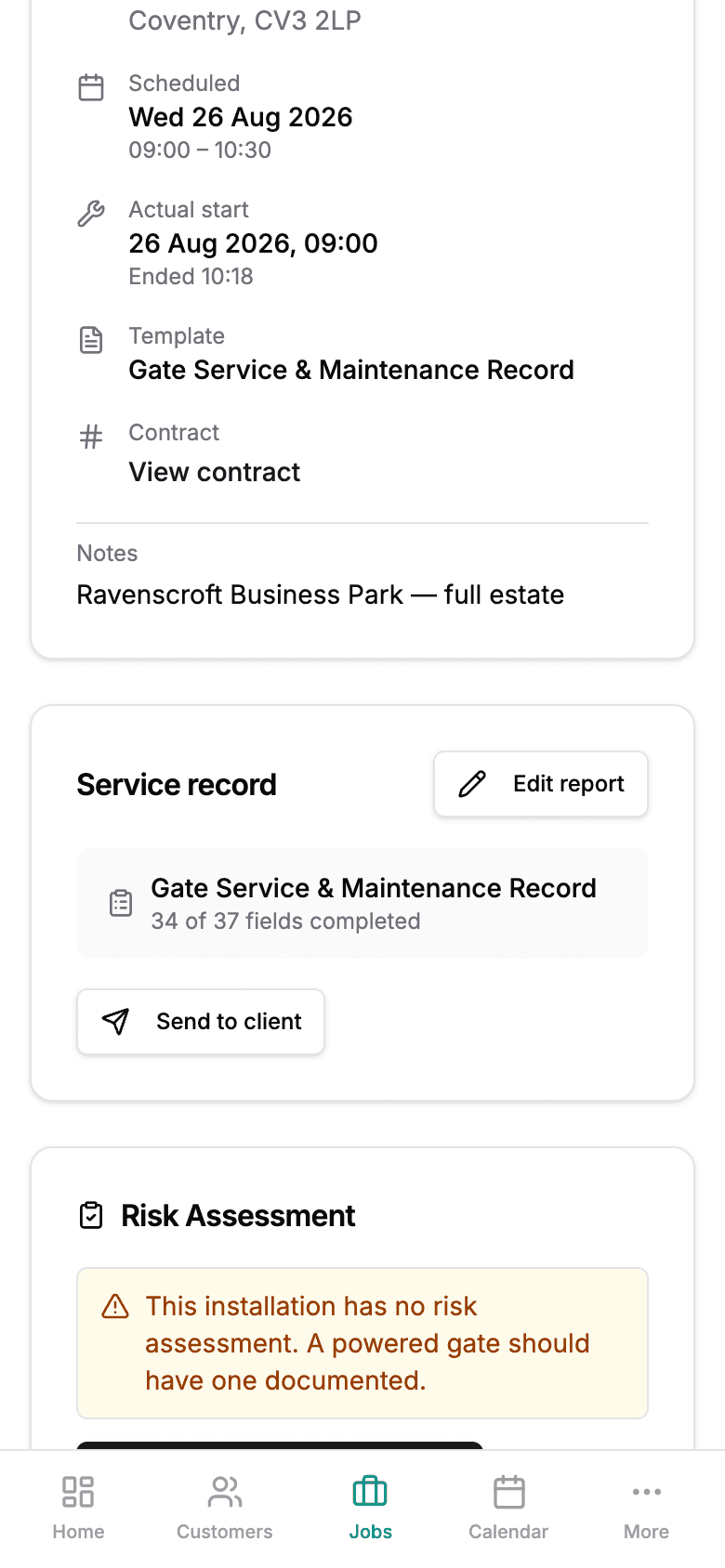
The record, ready to send
Never lose track of what is due, or who it is due for
Most tools are built around one-off jobs, so recurring work ends up in a spreadsheet nobody opens. Entryflo runs the whole twelve months for you, and tells you what is due before the customer has to.
- Step 1
Log the installation once
Type, operator, safety devices, site. The technical file starts the day you commission it and never needs rebuilding.
- Step 2
Entryflo does the chasing
The reminder goes out before the service is due, with a booking link. You do not have to remember, and neither does the customer.
- Step 3
The visit gets booked
Either they pick a slot themselves, or you arrange it on the phone and confirm it in Entryflo. Your call.
- Step 4
The engineer attends
Checks, tests and the risk assessment review, filled in on a phone with photos attached. A branded PDF is generated and sent.
- Step 5
Invoice goes out
Drafted automatically on booking. Send it with one tap, mark it paid when it lands.
- Step 6
The contract rolls forward
The next due date sets itself. Twelve months later it starts again, whether or not anyone thought about it.
Customer → site → equipment → agreement
One agreement. Every gate on the site. Each with its own history.
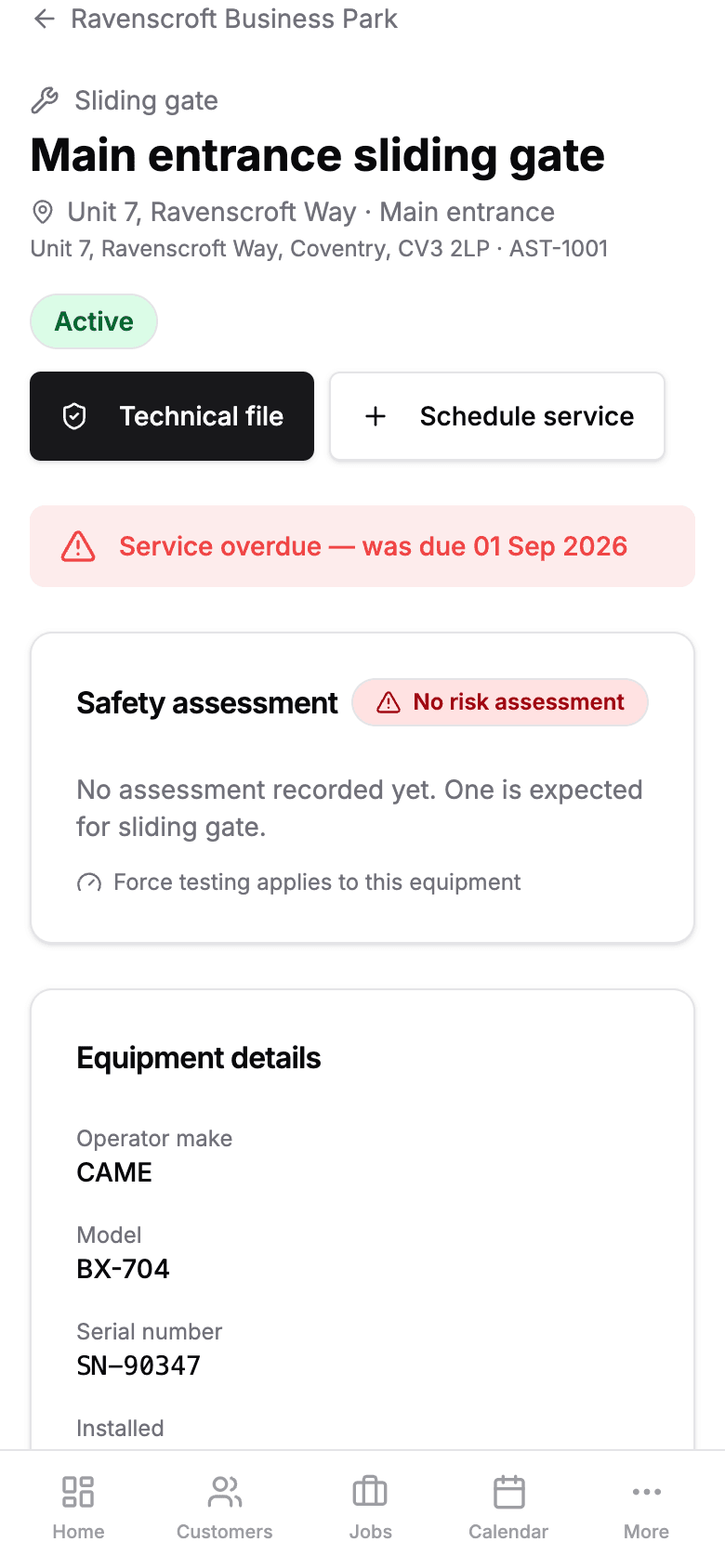
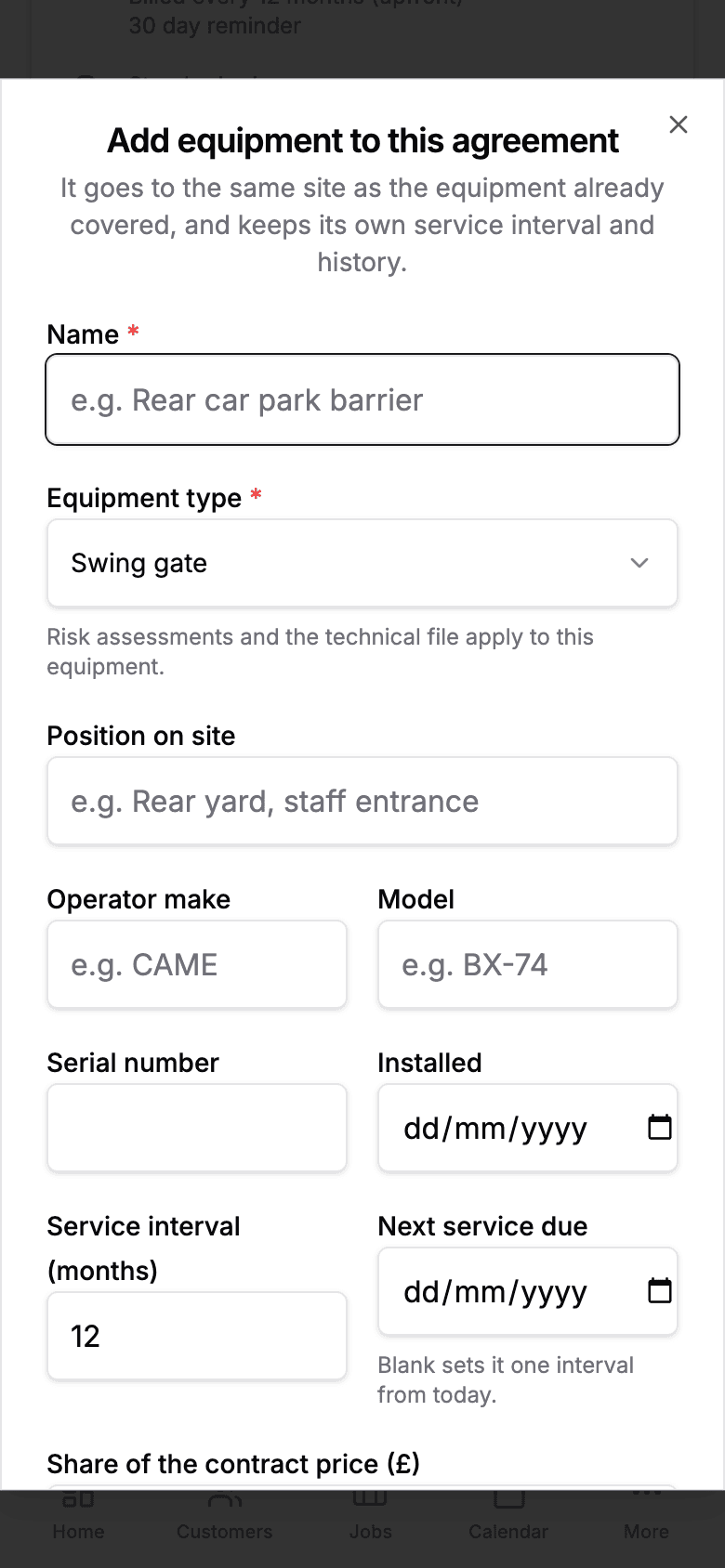
A business park does not have a gate. It has a sliding gate at the front, a barrier on the rear yard, a shutter on a loading bay and an intercom on the visitor entrance — sold as one renewal at one price, and needing four different service intervals.
So the equipment is a record in its own right, separate from the agreement that pays for it. Due dates, assessments, force tests, photos and every visit belong to the gate. The agreement holds the commercial terms. Neither one has to lie about the other.
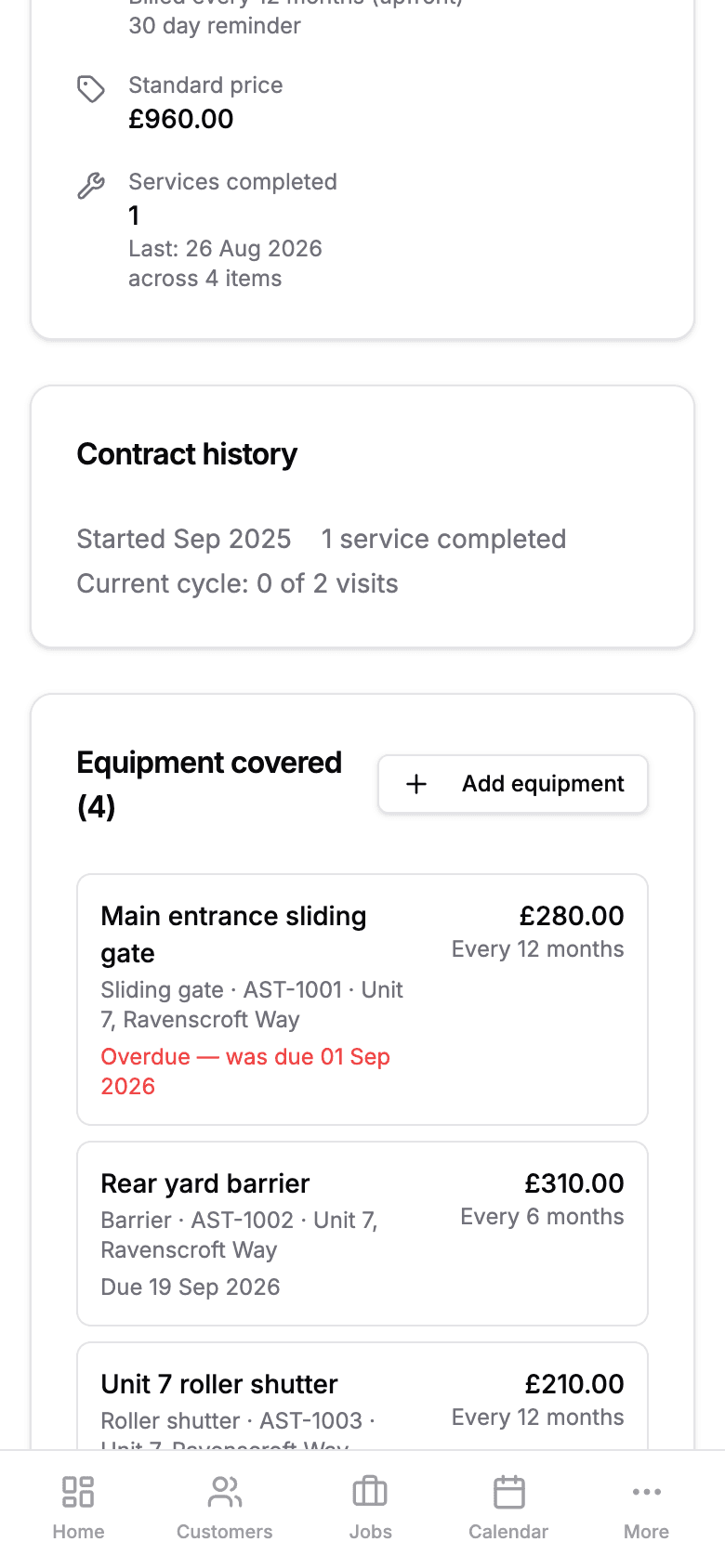
The estate you quote as one number
Facilities managers buy the site, not the gate. Price the agreement as a whole, and still know what each opening costs you to serve — and what each one earns.
The barrier that needs six-monthly
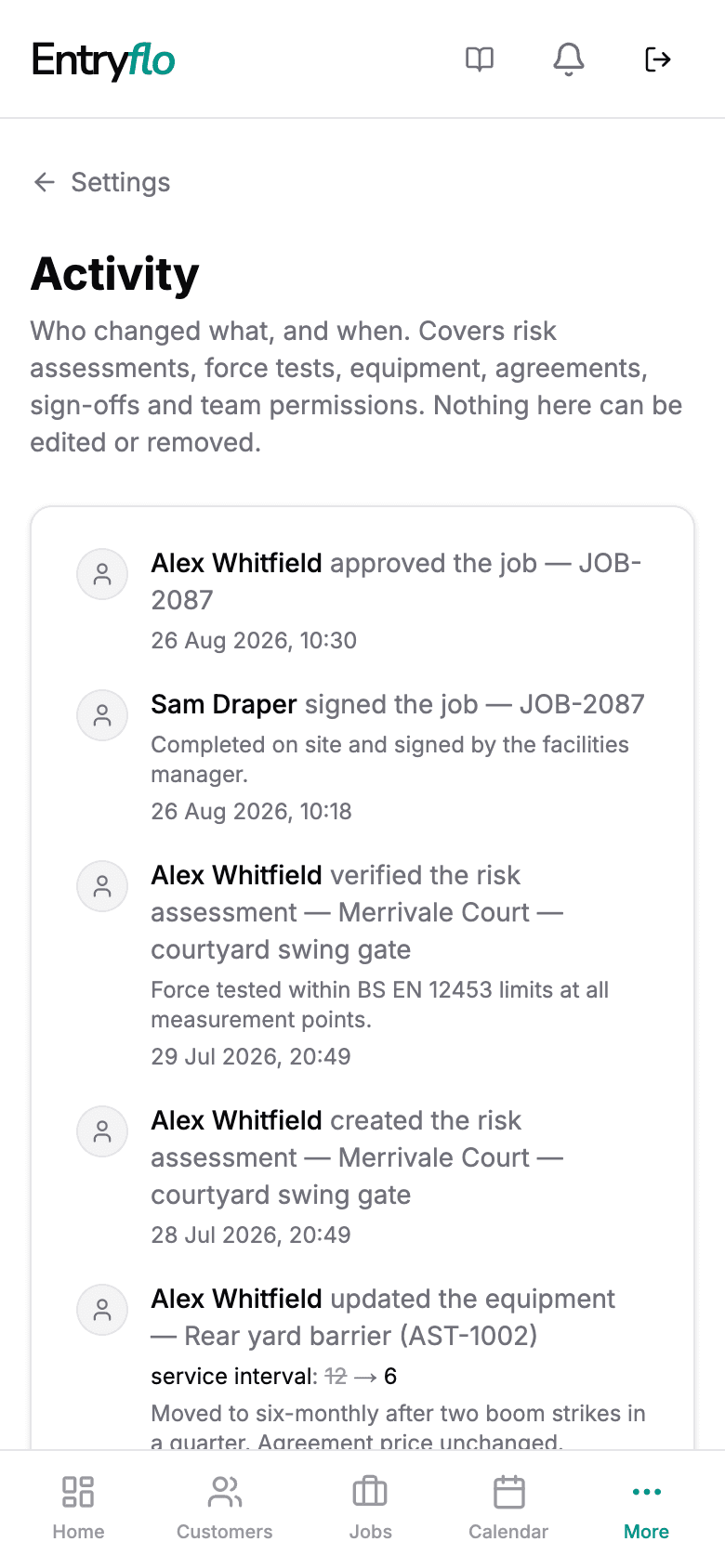
Shorten one barrier to six months after a couple of boom strikes. The gates beside it stay annual, the renewal date does not move, and the price stays as agreed.
The gate that outlives the contract
Equipment belongs to the site, not to the paperwork. Re-tender, change managing agent, move it to a new agreement — the technical file, assessments and visit history follow it.
Never lose a gate’s history
That promise is structural rather than aspirational: the history hangs off the equipment, so nothing is lost when an agreement is renewed, re-tendered or cancelled. Plans count equipment rather than agreements, so pricing an estate as one deal never costs you a contract slot — and decommissioned equipment keeps its file without counting at all.
The work is done. The evidence and the revenue follow.
Contracts that renew themselves
Due dates roll forward the moment a service is completed, so next year is already scheduled and nothing quietly drops off the list.
Engineers who are not chasing paperwork
Assign a job and it is on their phone — the form, the site history, the last visit. It keeps working underground or behind a steel shutter.
Proof the work was done
Photos taken on the job attach to the record and the installation, so a dispute about what was found, or what was fixed, is a two-minute answer.
One file per installation, not a folder of PDFs
Risk assessment, force test results, the devices fitted and every visit since commissioning, held against the gate rather than the customer.
Customers who serve themselves
Facilities managers approve quotes, pull their own compliance paperwork and — if you allow it — book appointments, without creating an account.
Money that does not wait for you
Raise a quote at the gate when you find a failed safety edge. Invoices draft themselves the moment a booking is confirmed.
Powered gate risk assessments
Compliance already done when someone asks for it
A guided assessment built around BS EN 12453, BS EN 12604 and DHF TS 013. Pick the gate type and Entryflo brings up the hazards that apply — crushing, shearing, drawing-in, hinge failure — with sensible starting scores and the mitigations that genuinely address each one. You apply your judgement, sign it, and a branded PDF lands in the installation’s technical file.
- A technical file per installation — assessments, force test reports, photo evidence and service history in one place.
- Verified at every service — engineers confirm the assessment still holds in one tap, or revise it as a new version with full history kept. Works offline.
- A PDF that holds up — your logo, the full hazard matrix, the devices fitted and the installer’s signed declaration.
Entryflo documents your professional judgement — it does not certify compliance, which remains the competent installer’s responsibility.
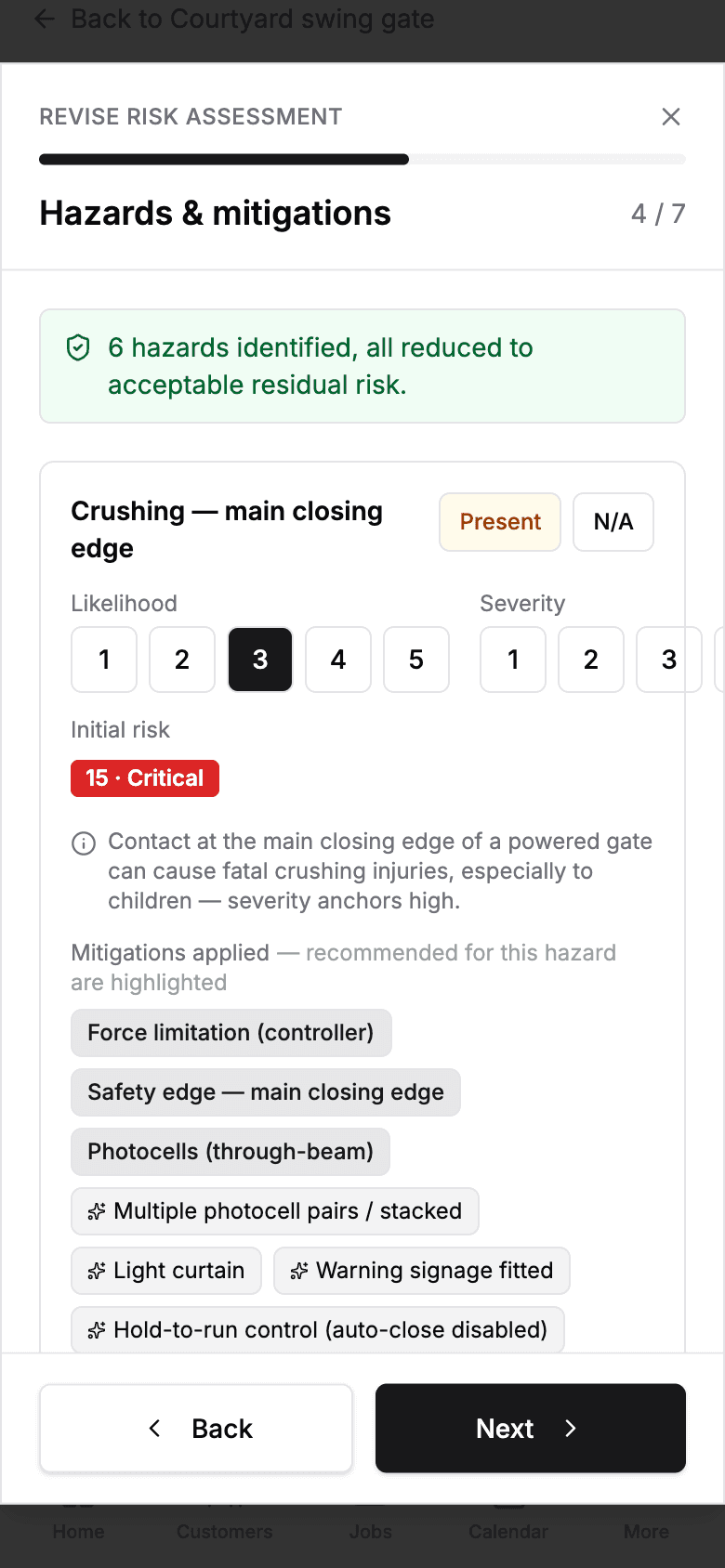
Hazards scored on site
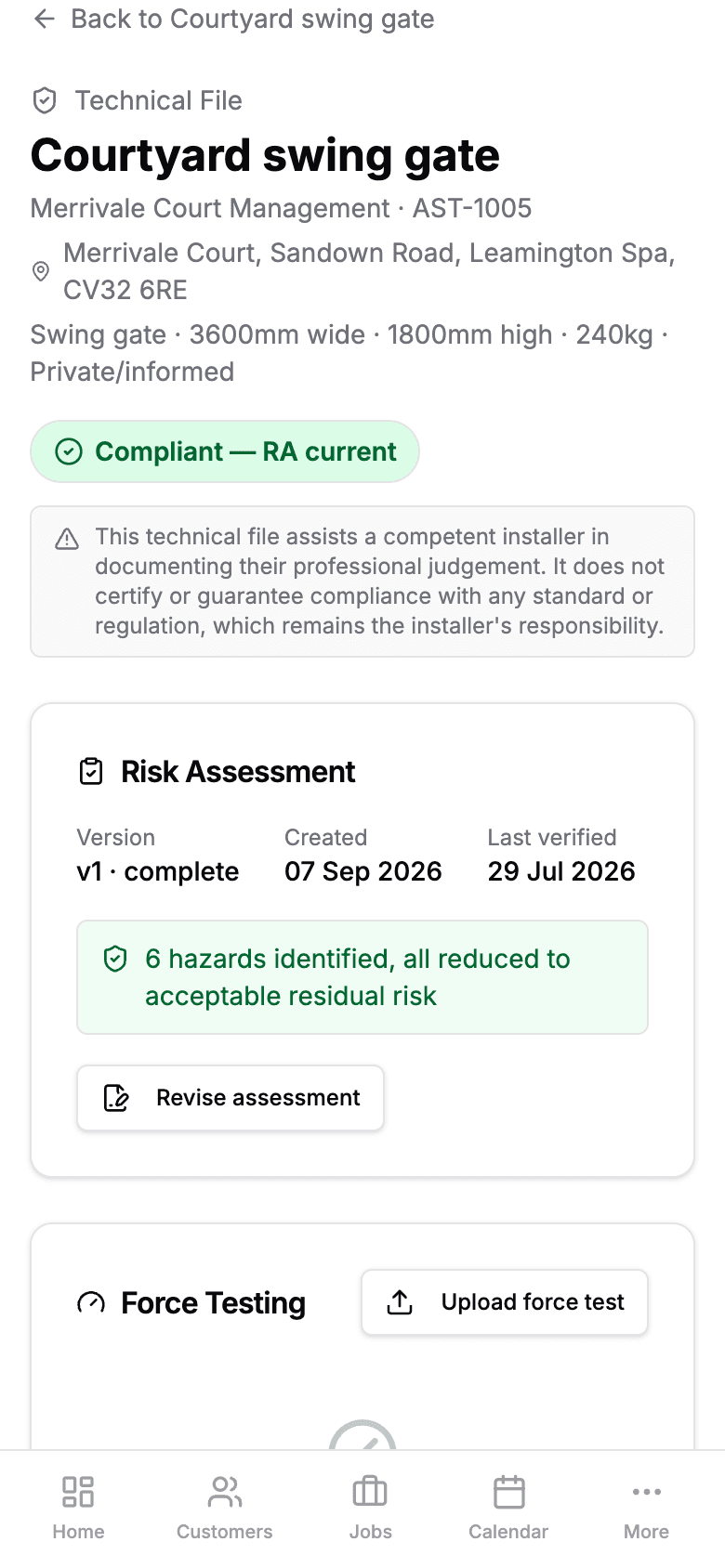
The technical file, always current
The standards you are judged against, built into the forms
The powered gate template set does not ask generic questions. It asks the ones an inspector or insurer would ask — and it records the answers where you can find them again years later.
- BS EN 12453
- Safety in use of power operated doors and gates
- BS EN 12445
- Test methods for the force limits
- BS EN 12604
- Mechanical aspects and requirements
- DHF TS 011
- Powered gate safety code of practice
- DHF TS 013
- Powered gate risk assessment guidance
- PUWER
- Duties on the equipment you maintain
Your customers see exactly as much as you want them to
Plenty of firms have a diary too busy to let customers book into it, and plenty would rather not have software emailing their customers at all. Entryflo asks which you want when you sign up, and you can change it whenever.
Keep it internal
Nothing goes out automatically. You arrange the work and share records when you choose. Your customers never see Entryflo until you send them a link.
Reminders, you schedule
Entryflo emails when a service is due and chases unpaid invoices, asking customers to ring you. Your calendar stays yours.
Customers book themselves
Reminders carry a booking link, and customers pick a slot inside the working hours you set. No phone tag, no login for them.
New accounts start on Keep it internal, so nothing reaches your customers until you say so.
Gate specialists first. Mixed security estates welcome.
Entryflo is not a general field-service tool with a gate module bolted on. Gates, barriers and automated doors are the trade it is built to understand end to end — from commissioning an operator to arguing a force-test result twelve months later.
That focus is the point. It is why the templates cite clauses instead of asking you to type them, why an installation carries a technical file rather than a folder of PDFs, and why the risk assessment knows what a drawing-in hazard is.
Gates, barriers & doors
Full template setSwing and sliding gates, rising barriers, industrial doors and shutters, and the access control on them — with force testing, commissioning and safety inspection templates, and a technical file per installation. The guided risk assessment is powered-gate specific.
If you are in another trade
Many gate firms also maintain access control, CCTV, intruder alarms, intercoms and perimeter equipment. Keep that work alongside your gates: the same sites, customers, schedules, engineers and commercial history — with forms you can tailor to the asset. Gates and barriers remain the specialist template set.
What Entryflo does not do
Entryflo does not issue statutory certificates, and it does not certify compliance on your behalf. It produces service records, risk assessments and technical files that document the judgement of a competent installer.

Build the maintenance book that keeps paying back
Bring your maintenance book into Entryflo and give every gate a record your whole team can trust — then let the reminders, booking, record and invoice keep the work moving.